
Welcome to Weather-Above


Seismometer
First make sure the programme has picked up the instrument on the correct comport, you can see in the middle panel labelled,Seismometer ,I am using Comport {2} and the Baud is set to {19200}


LevelPlayer
Use the up or down buttons to make micro adjustments to the feedback data
Superscope
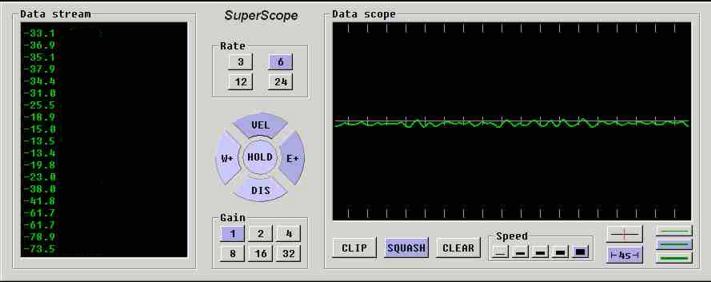
Set the gain to (1) rate (6) and make sure you have (DIS) (squash) switched on .In the levelling player make sure the feedback is switched (off)
Step 2
Step 1
Step 3


To adjust the feedback Beam off centre value first follow steps 1 to 2
When the data is just below +/-32,000 , click on (VEL) then go to LevelPlayer and click on the feedback (ON) then close Mission control.
Restart AmaSeis software
LevelPlayer
You may notice in the LevelPlayer the bubble is not in the centre and has changed to red this is normal,
on the down or up button you will see a * symbol , in this example the * symbol is above the down button.
Click on the down button untill the data stream drops just below +/ - 32,000 please note {+ / - 32,000 is the maximum offset for the feedback you want to keep this just below the +/- 32,000 in AmaSeis software programme you will see this data changing from a low value up to the maximum, this is the Earth tilt data.

Fine tuning feedback Beam off centre
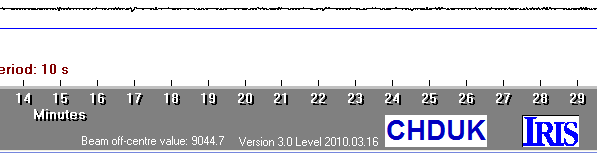

Feedback Beam off centre value is at the bottom of the main screen in AmaSeis software